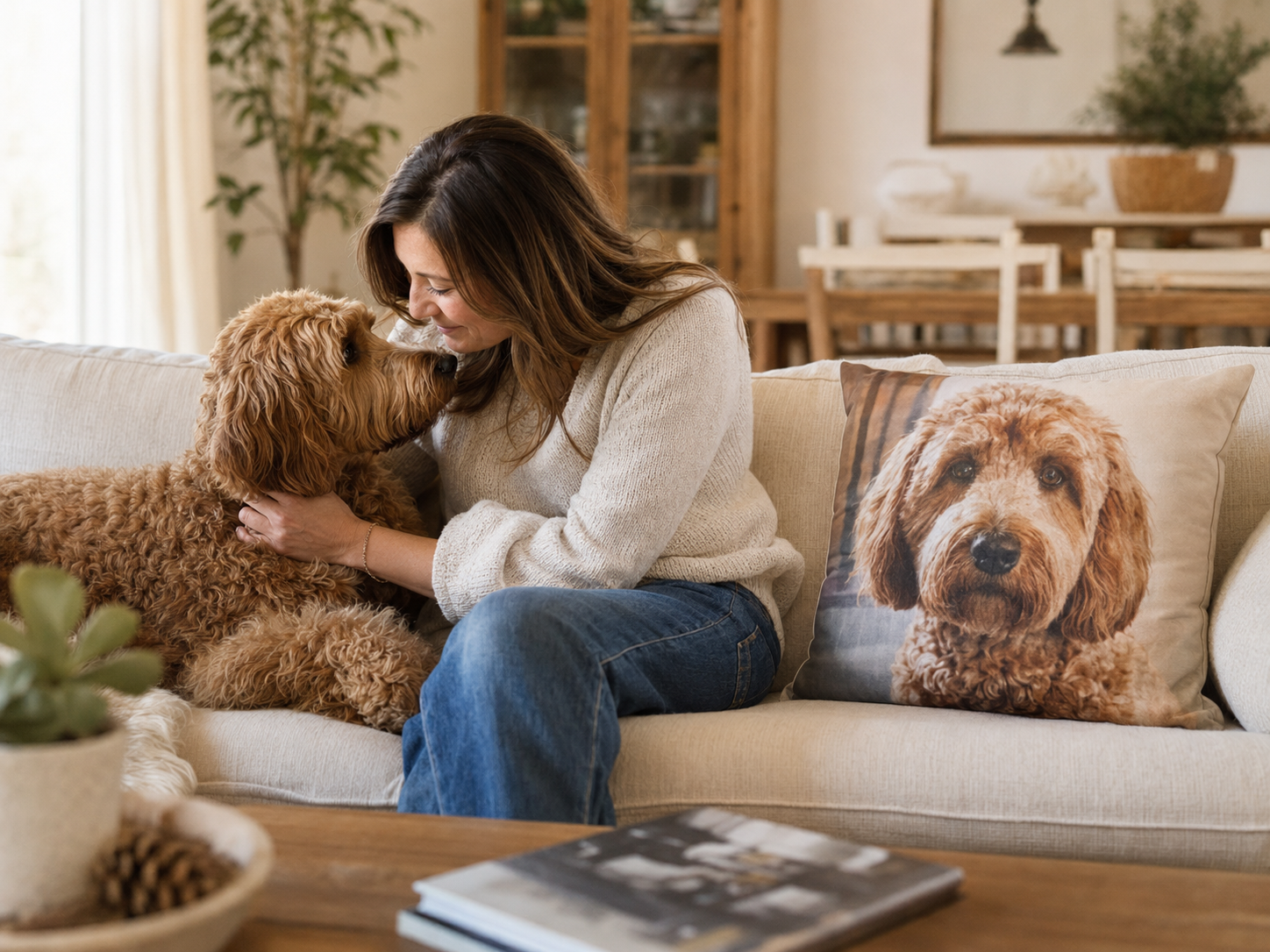
A custom pet portrait is meant to feel unmistakably like your dog, cat or other companion. The artist or design team can refine a background and adapt a photo to a product, but the most important details—eyes, expression, coloring and face shape—need to be visible in the image you send.
Find soft, even natural light
Start with photos taken near a window, on a shaded porch or outdoors on a bright but overcast day. Soft light reveals the small color changes around the eyes, nose and ears without creating harsh shadows.
Avoid a bright window directly behind your pet, very dark indoor photos and strong midday sun across only half of the face. A camera flash can also flatten fur texture or create glowing eyes. If you can easily see both eyes and the true color of the coat, the lighting is probably working.
Make sure the eyes and face are in focus
Zoom into the photo before choosing it. The eyes should have clear edges rather than looking soft or pixelated. Whiskers do not need to be individually perfect, but the outline of the face, ears and nose should be easy to follow.
If the photo still looks clear when your pet's face fills most of your phone screen, it is usually a strong candidate.
Choose a natural, eye-level angle
Photos taken close to your pet's eye level usually produce the most recognizable portrait. A straight-on view is helpful for symmetrical designs, while a slight three-quarter angle can show the shape of the muzzle and ears beautifully.
Try not to use a photo taken from far above unless that top-down look is part of your pet's personality. Wide-angle phone photos taken very close to the nose can make the muzzle look larger and the ears smaller than they really are.
Pick the expression that feels most like them
Technical perfection is not the only goal. The most meaningful image may be the one with your dog's familiar head tilt, your cat's serious stare or the slightly crooked smile your family knows by heart.
Compare three or four clear photos and ask: “Which one would a friend recognize first?” That question often finds the right image faster than choosing the most formal pose.
Upload the original full-size file
Send the original photo from your camera roll whenever possible. Screenshots, social-media downloads and images copied through several messaging apps may look fine at thumbnail size but can lose the detail needed for a crisp portrait.
Do not crop too tightly around the ears or top of the head. Leaving a little space gives the design more flexibility, especially when the portrait will be shaped for a round pendant, keychain, tumbler or blanket.
Do not reject a great face because of a busy background
A laundry basket, couch cushion or patch of grass behind your pet is usually less important than the clarity of the face. Backgrounds can often be removed or simplified; missing facial detail is much harder to recreate accurately.
The exceptions are objects covering the face, a leash crossing the muzzle or another pet blocking an ear. Choose an unobstructed image when one is available.
For multiple pets, check each face separately
In a group photo, one pet may be perfectly sharp while another is moving or turned away. Zoom in on every face. If a product supports more than one pet, separate clear photos can sometimes provide better detail than a single crowded image.
Check the product options before ordering and add a short note identifying each pet. This helps keep names, positions and reference photos clear.
SAVE THIS CHECKLIST
Your photo is ready if…
- Both eyes and the face are clear and in focus.
- The coat color looks natural, without a strong color filter.
- The face is evenly lit, with no heavy shadow over the eyes.
- Ears and the top of the head are not cut off.
- No object covers an important part of the face.
- You have the original file, not only a screenshot.
- Most importantly, the expression feels like your pet.
What if the only photo you have is not perfect?
Sometimes an older photo is the only image that holds an important memory. Choose the clearest original version and, if possible, keep a second photo available to show coloring or face shape. You can also contact us before ordering if you are unsure whether a specific image will work.
A thoughtful keepsake should begin with confidence, not guesswork. We would rather help you choose the strongest reference than have you wonder how the finished portrait will look.
READY TO MAKE IT PERSONAL?
Turn the photo you love into something you can keep close.
Explore personalized bags, jewelry, drinkware, home keepsakes and everyday pet accessories made from your favorite photo.
PHOTO FAQ
A few common questions
Can I use a phone photo for a custom pet portrait?
Yes. A clear phone photo is usually an excellent choice when your pet is in focus, their face is well lit and the original full-size file is uploaded.
What if I only have an older or imperfect photo?
Use the clearest original you have and include a second reference photo if possible. Avoid screenshots or heavily compressed copies, which remove useful detail.
Can two pets be combined from separate photos?
This depends on the product and design. When multiple pets are supported, separate clear photos can often be easier to work with than one crowded group image.